KICK-OFF SCREENPRESCHOOL GAME
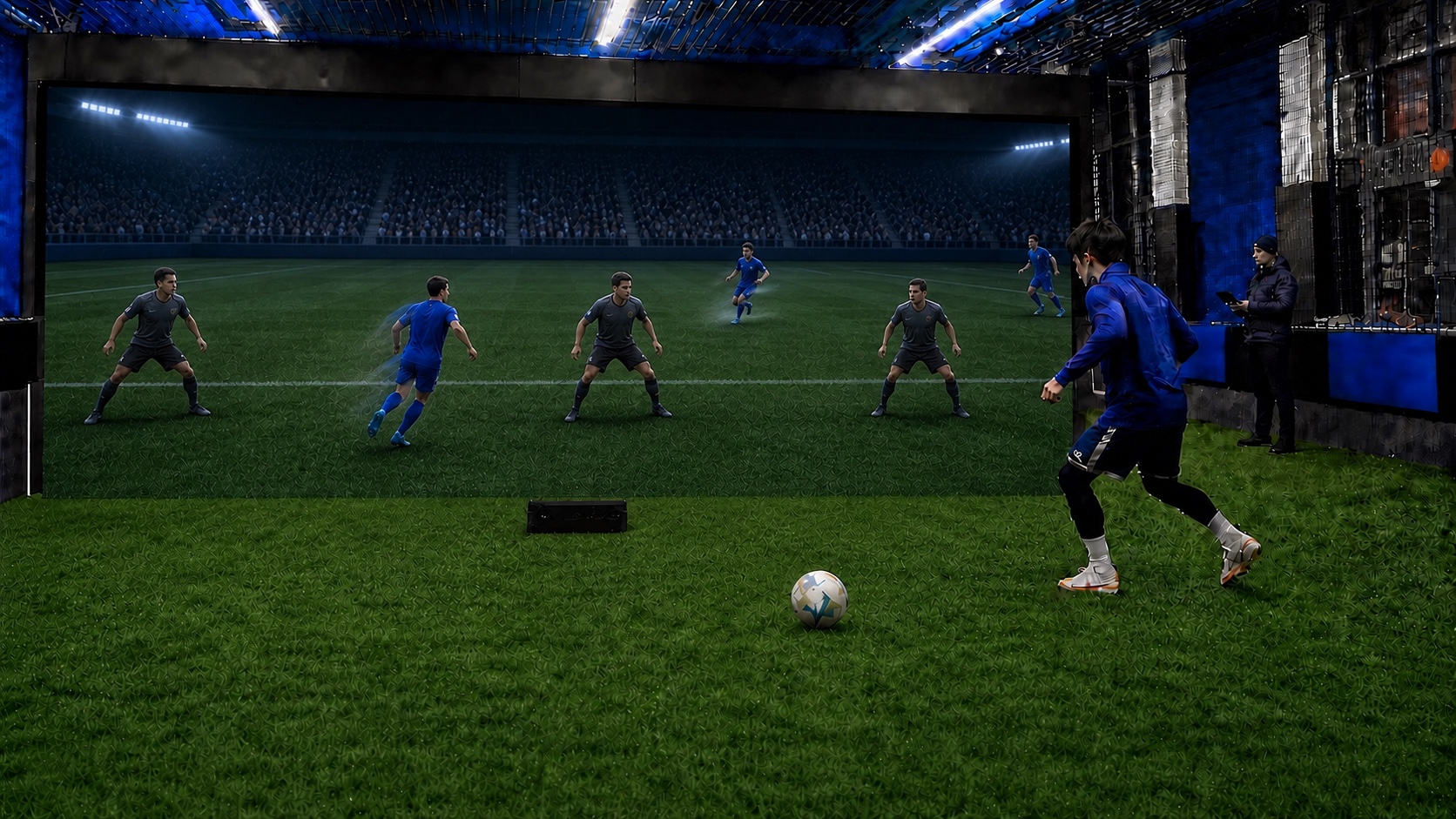
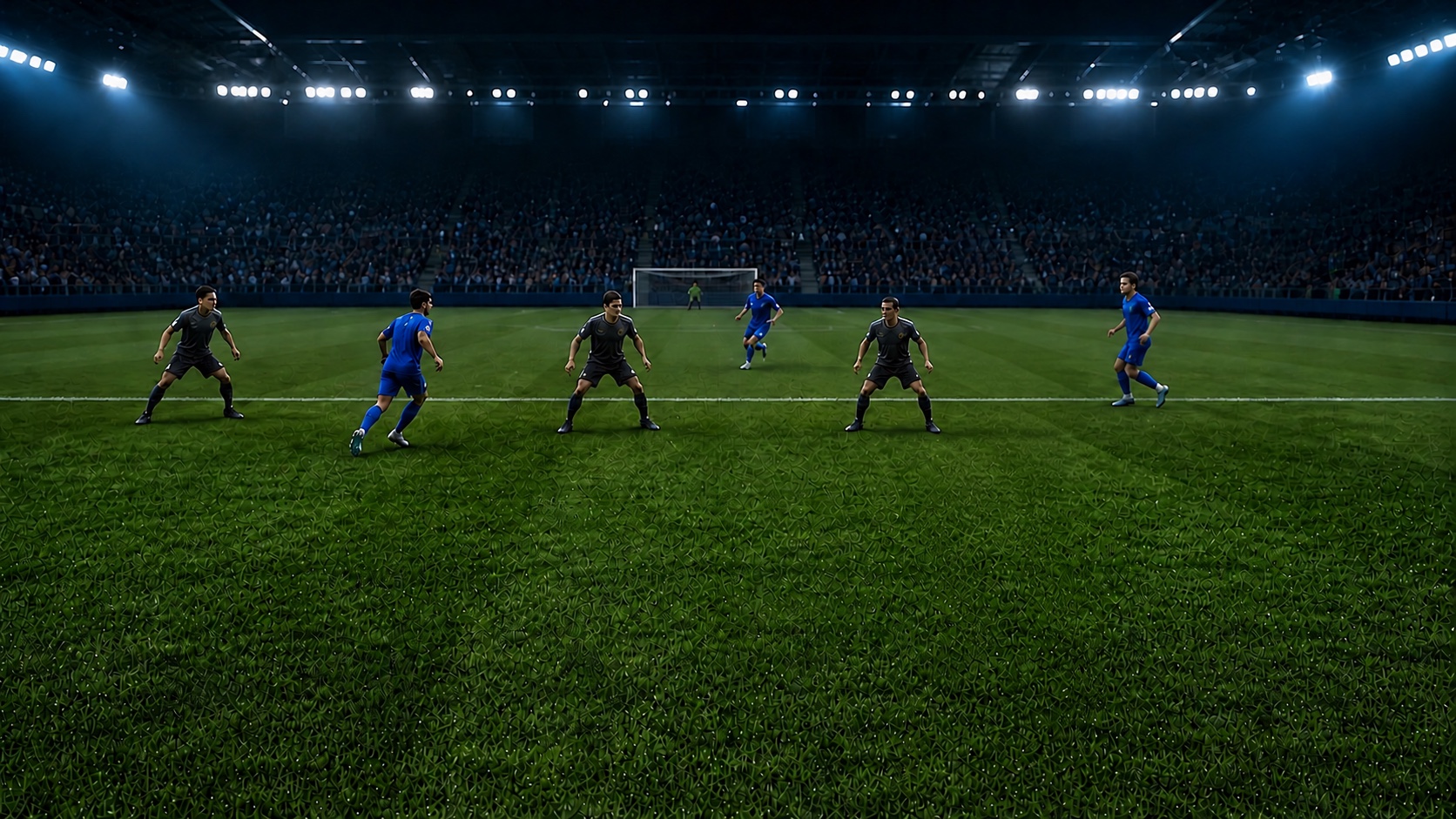
Match-like primary-school passing game viewed from the player perspective with teammates and defenders
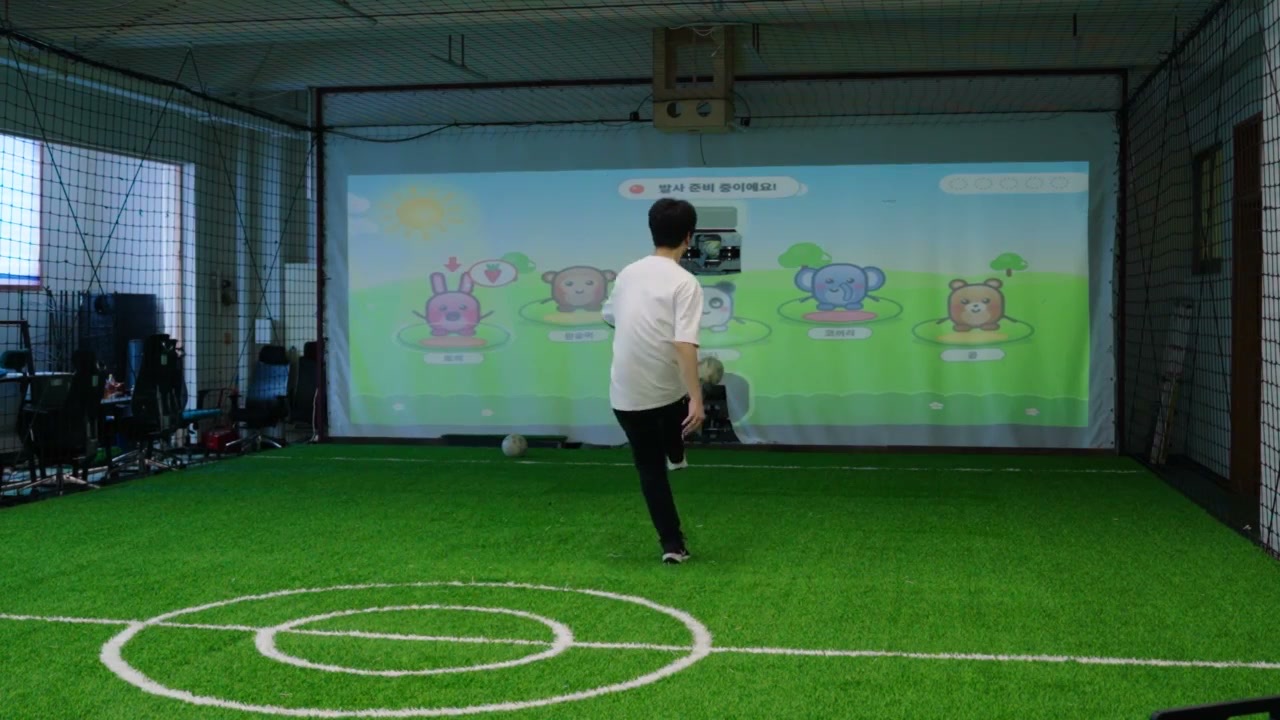
Preschool · Awareness and choiceAnimal characters respond as soon as the ball is struck

KICK-OFF SCREEN

Strike the ball.
The screen responds.

SCREEN content for preschool, primary and adult levels

Actual preschool content · Primary and adult concepts in development

KICK-OFF LINEUP

Three products.
Three ways to train.

Compare SCREEN and two LAUNCHER integrations, including optional add-ons.

TRAINING CONFIGURATIONSThree configurations for different training methods

Compare the class experience before the product names

  1. KICK-OFF SCREEN base configuration at the FootballZon R&D centre
    Actual development environment at the FootballZon R&D Center

    01SCREEN · GAME

    SCREEN

    Classes where players solve large-screen games and missions with a real ball

    Includes
    Screen · Projection · Camera · Controls
    Training
    Games · Missions · Drills
  2. SCREEN and LAUNCHER concept where players scan moving teammates and defenders and choose the passing space
    SCREEN + LAUNCHER concept · Actual installation is proposed for each space

    02GAME + SUPPLY

    SCREEN + LAUNCHER

    Scan teammates and defenders before receiving, then pass into the chosen space

    Includes
    SCREEN + LAUNCHER
    Training
    Receiving + repeated scanning, choosing and passing
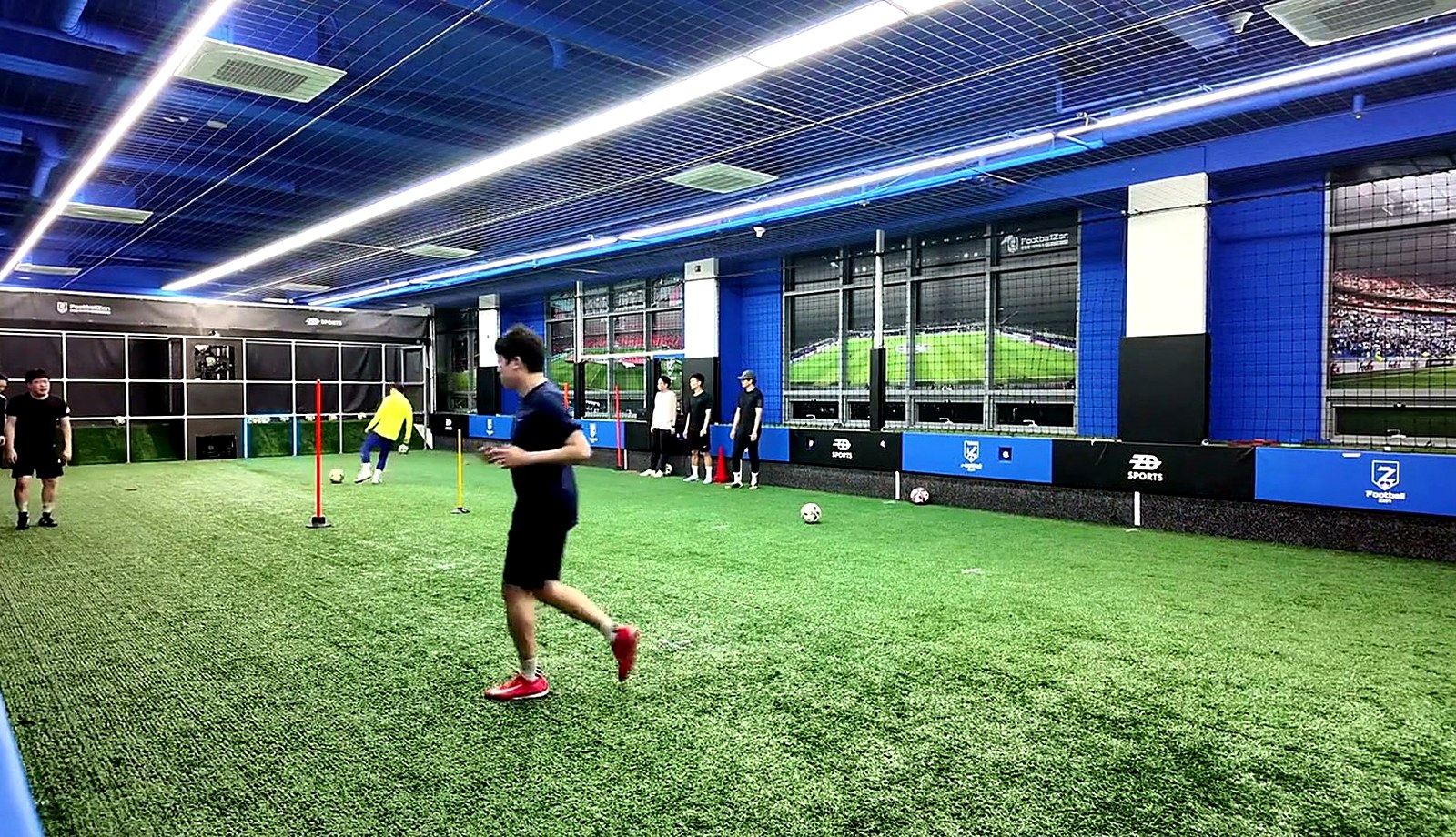
  3. LED targets and central ball launcher at FootballZon Anyang Academy
    Actual equipment training space at our Anyang location

    03SIGNAL + SUPPLY

    LED + LAUNCHER

    Receive the supplied ball, then choose the next play from the illuminated LED

    Includes
    LED targets + LAUNCHER
    Training
    Scanning · Choosing · First touch · Passing · Shooting

MOTIONTAP is an optional third-party integration for configurations 02 and 03 · Sold separately · Confirm integration scope during consultation

PRODUCT GUIDE

From product selection
to installation review, in one guide

See all three configurations and the space-review process at a glance

Adoption Options

Choose the adoption scope
for direct operation

Product purchase and brand partnership are separate scopes

01 · PRODUCT

Product Adoption

Facilities with existing coaches and operating systems

Operation
Operated directly by the partner
FootballZon
Products · Standard installation · Content · Contracted support
02 · BRAND

Brand Partner

Operators who will run the business directly using the FootballZon system

Operation
Operated directly by the partner
FootballZon
Brand · Content · Systems · Operating standards

We distinguish product and brand scopes according to the space and operating capability.

Discuss Adoption Options

CHOOSE YOUR CONFIGURATION

Find the configuration
for your space and classes

Compare in the guide, then confirm the adoption scope for your current space.

Product Guide Kakao Consultation